
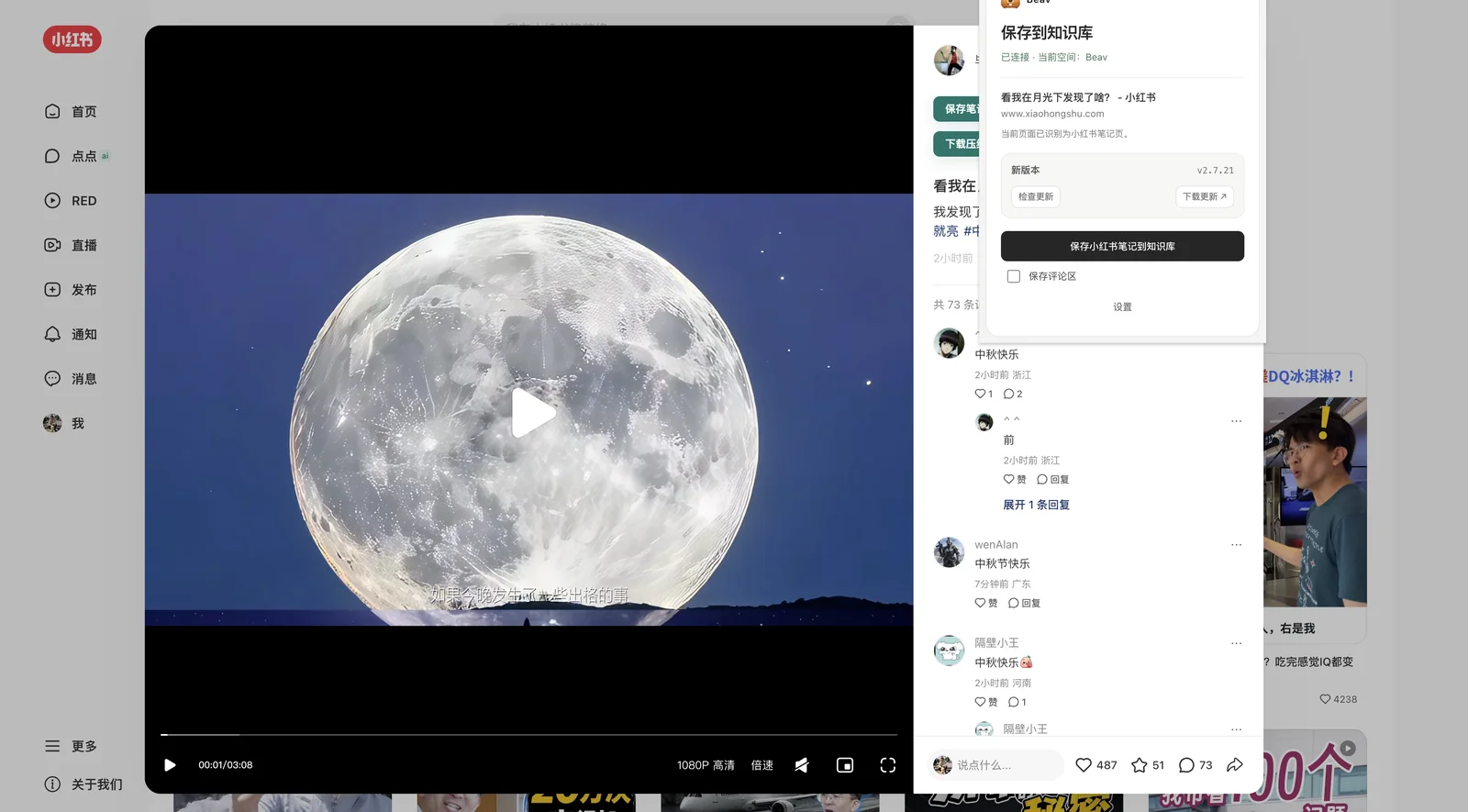
Source capture
Xiaohongshu, web pages, comments, video
Xiaohongshu, web pages, comments, video
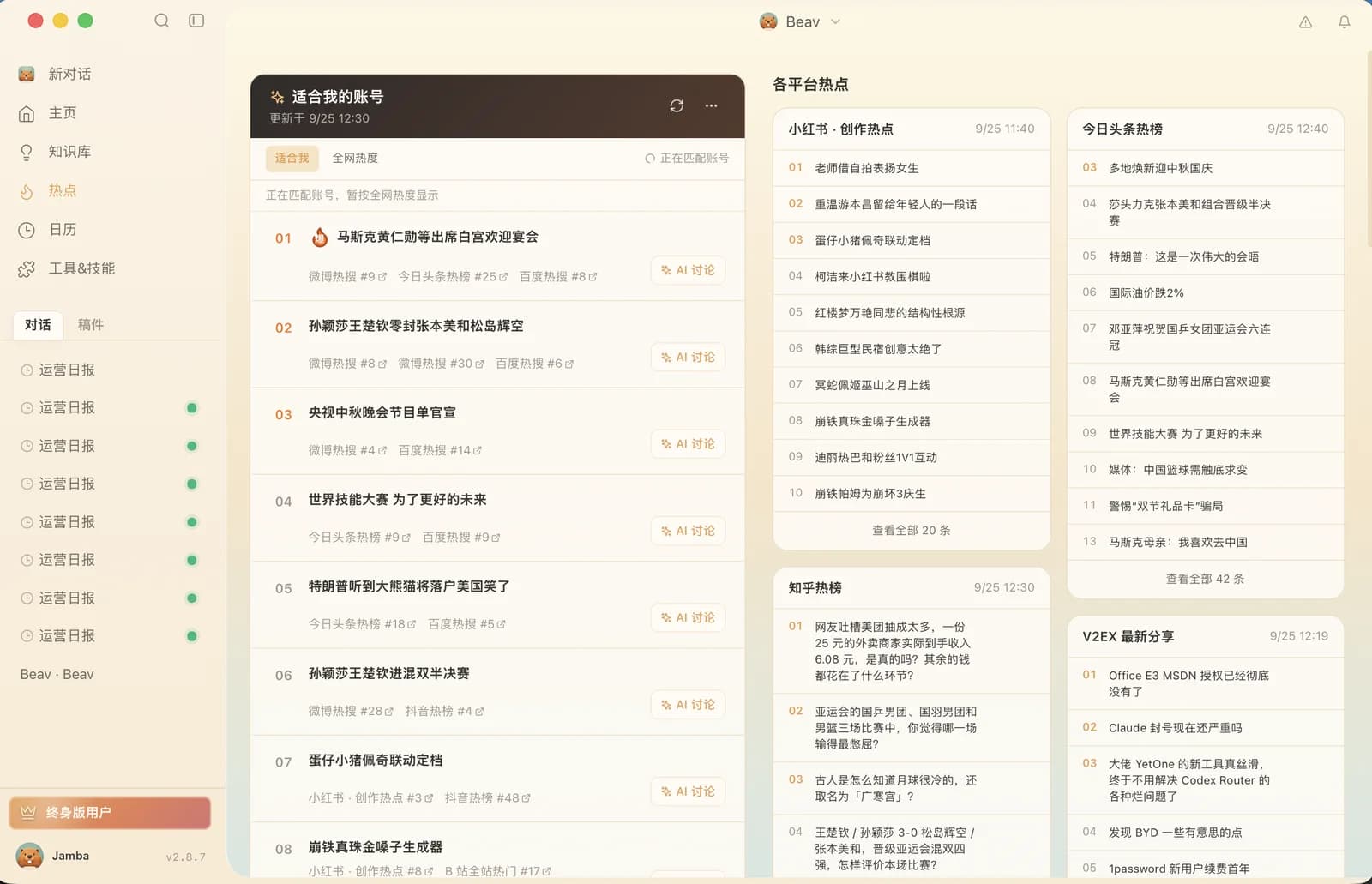
Topics developed from your library
Turn scattered material into actionable content directions
Images, covers, video, and audio in one place
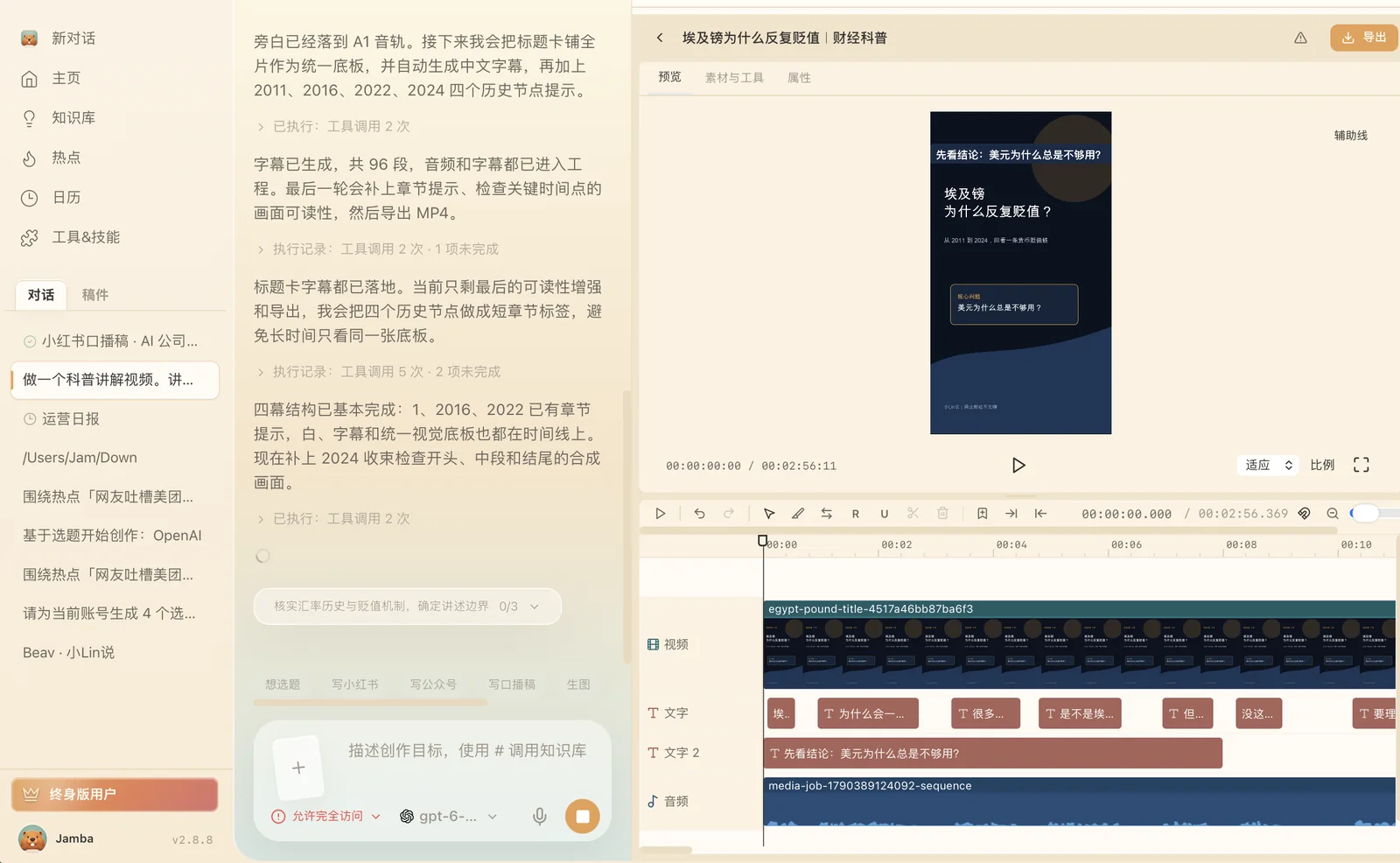

Captured content becomes reusable assets

From topic to finished post, fast
Local-first AI creation workspace · macOS / Windows / Linux
From idea to published
Beav is a local-first AI workspace for self-media creators, formerly known as RedBox. It brings the whole path from idea to published post into one app: capture material from social platforms, grow it into a searchable knowledge base, pick topics worth making with smart suggestions, then turn them into finished work with AI drafting, cover generation, and video creation. Every asset and every note stays on your own computer, with account data synced only when you want it. Start from the official Beav download page for macOS, Windows, and Linux.
Beav ships a Chrome extension that saves notes, videos, and comment threads from Xiaohongshu, Douyin, Bilibili, and more straight into your local asset library in one click. Each capture keeps the title, author, publish time, engagement stats, and original images, and you can filter by platform, account, keyword, or save date. Viral posts stop living in scattered bookmarks and screenshots—they become structured assets AI can search, compare, and reuse. Setup is covered in the browser extension installation guide.
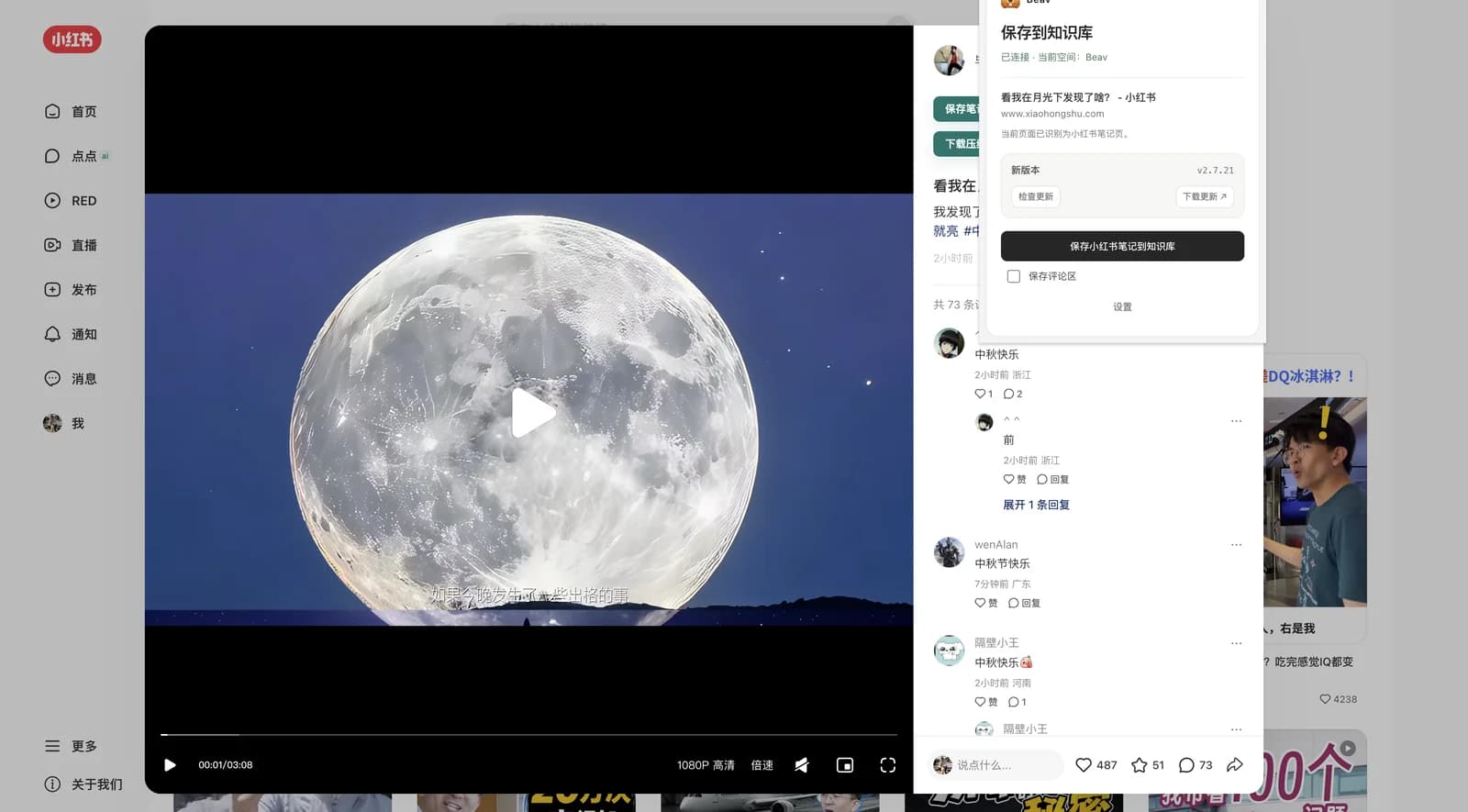
Captured material is organized into your knowledge base automatically: AI writes a summary, tags, and a structure analysis for every item, with full-text and semantic search on top. The topic center combines your account positioning, current trends, and the assets you already hold to suggest topics genuinely worth making—and links every suggestion straight back to its sources, so you can tell whether a topic has enough substance before you write a word.
In the writing workspace, AI drafts posts from your knowledge-base material, rewrites titles, and sharpens structure while keeping your tone and catchphrases intact. For covers, it ships with a built-in cover prompt template library spanning talking-head portraits, bold-text tutorials, food reviews, lifestyle, and pet-and-home styles. Every template includes a complete AI prompt and reference-image requirements—swap the title and image for an on-theme cover. Video creation supports organizing scripts, storyboards, and finished footage. Companion creative skills install from the Skill Marketplace , including skills for viral Xiaohongshu covers and post copy.

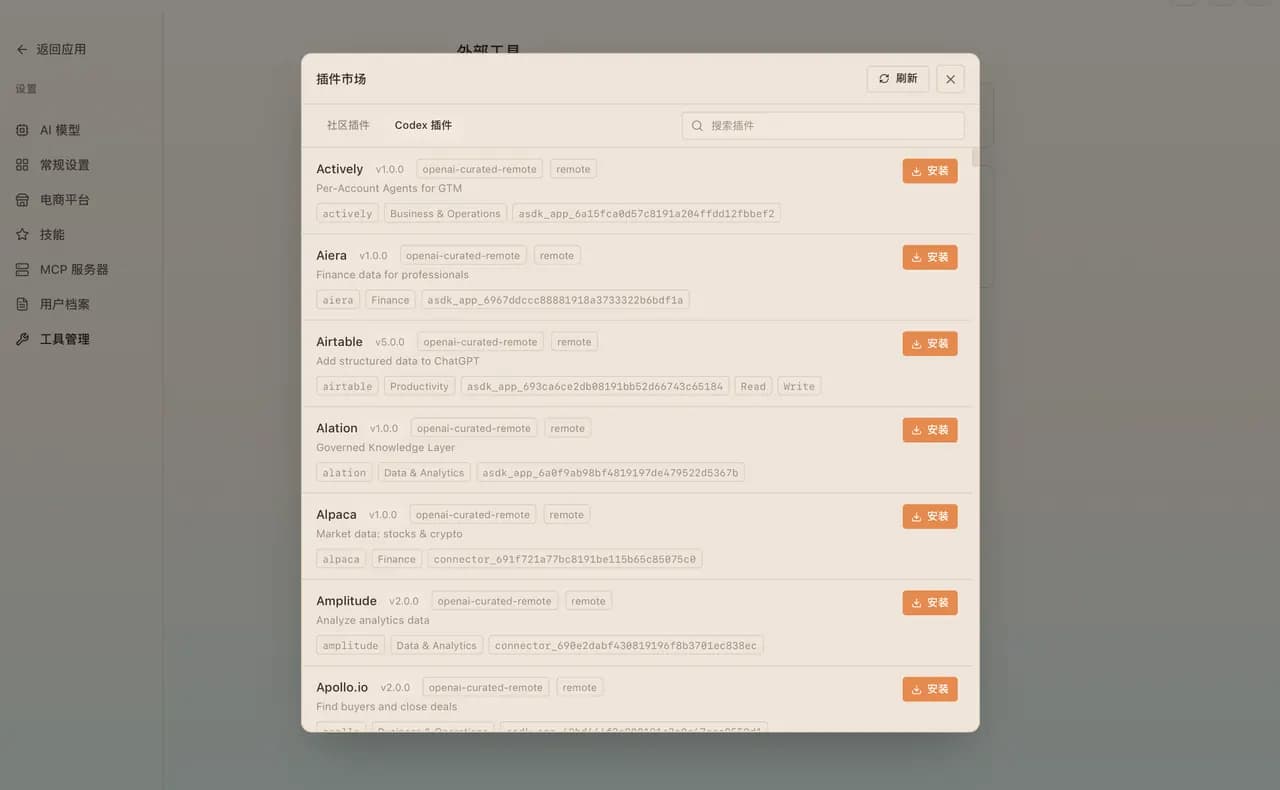
Beav exposes an Agent access protocol: AI agents such as Codex and WorkBuddy connect to your local Beav through the Beav Creator plugin—reading the knowledge base, creating tasks, and running creation flows, then handing control back to the browser workspace whenever a human should confirm. You can also skip the desktop app and run Beav CLI in the background on a server. Setup steps are on the Agent access page.
Beav runs on macOS (Apple silicon and Intel), Windows, and Linux (deb, rpm, AppImage). The personal edition is free to download and use; for team collaboration and advanced capabilities, see the pricing details. Every update is recorded in the changelog. If you know RedBox, it has become Beav—same features, all your data intact. See the RedBox rename and download migration guide.
FAQ
Straight answers about Beav pricing, where your data lives, supported platforms and the team behind it.
Beav (formerly RedBox) is a local-first AI workspace for content creators. Its browser extension captures posts from Xiaohongshu (RedNote), Douyin, YouTube, WeChat articles and any web page into a searchable local knowledge base and media library, and its AI tools turn that material into topics, drafts, covers and videos.
Read the docsYes, the free personal plan is ready to download and use. Personal Lifetime is a one-time CNY 238 for a lifetime license, and the Team plan starts at CNY 499 with 2 seats. Official AI features are billed in credits for what you actually use, and Personal Lifetime can also connect any third-party AI provider.
See pricingOn your own computer by default. Beav only reaches a web page or service when you start a capture, a generation or a third-party model call.
The desktop app runs on macOS, Windows and Linux, and the browser extension works in Chrome and Edge.
Download BeavXiaohongshu (RedNote) posts with their captions, images, videos, comments and engagement numbers; content from Douyin, YouTube, Bilibili, Zhihu and other platforms; WeChat Official Account articles; and any web page or selected text. Images on a page can be saved to the asset library from the right-click menu.
See how capture worksEagle is a local image asset manager built for designers. Beav is built for content creation: besides managing assets, it captures social media content, builds a knowledge base and uses AI to produce posts and videos. They work together: Beav can read the library open in Eagle, reference its images in a chat, and save generated images back to Eagle.
Read the Beav vs Eagle comparisonYes. The Beav Creator plugin connects agents such as Codex and WorkBuddy so they can read your sources, draft content and start media tasks. Paid generation, browser control, deletion, publishing and external exports always need your approval.
Use Beav in CodexBeav is the new name of RedBox, official since v2.5.0.
About BeavBeav is built by the HyperChaos studio, founded by JambaHailar.
HyperChaos studio