

Key takeaways
- Eagle is a local image asset manager built for designers. Its strength is collecting, annotating and finding visual inspiration.
- Beav is a local-first AI workspace for content creators. Its strength is capturing complete social media posts (captions, images, videos, comments), keeping them as a knowledge base, and using AI for topics, drafts, covers and videos.
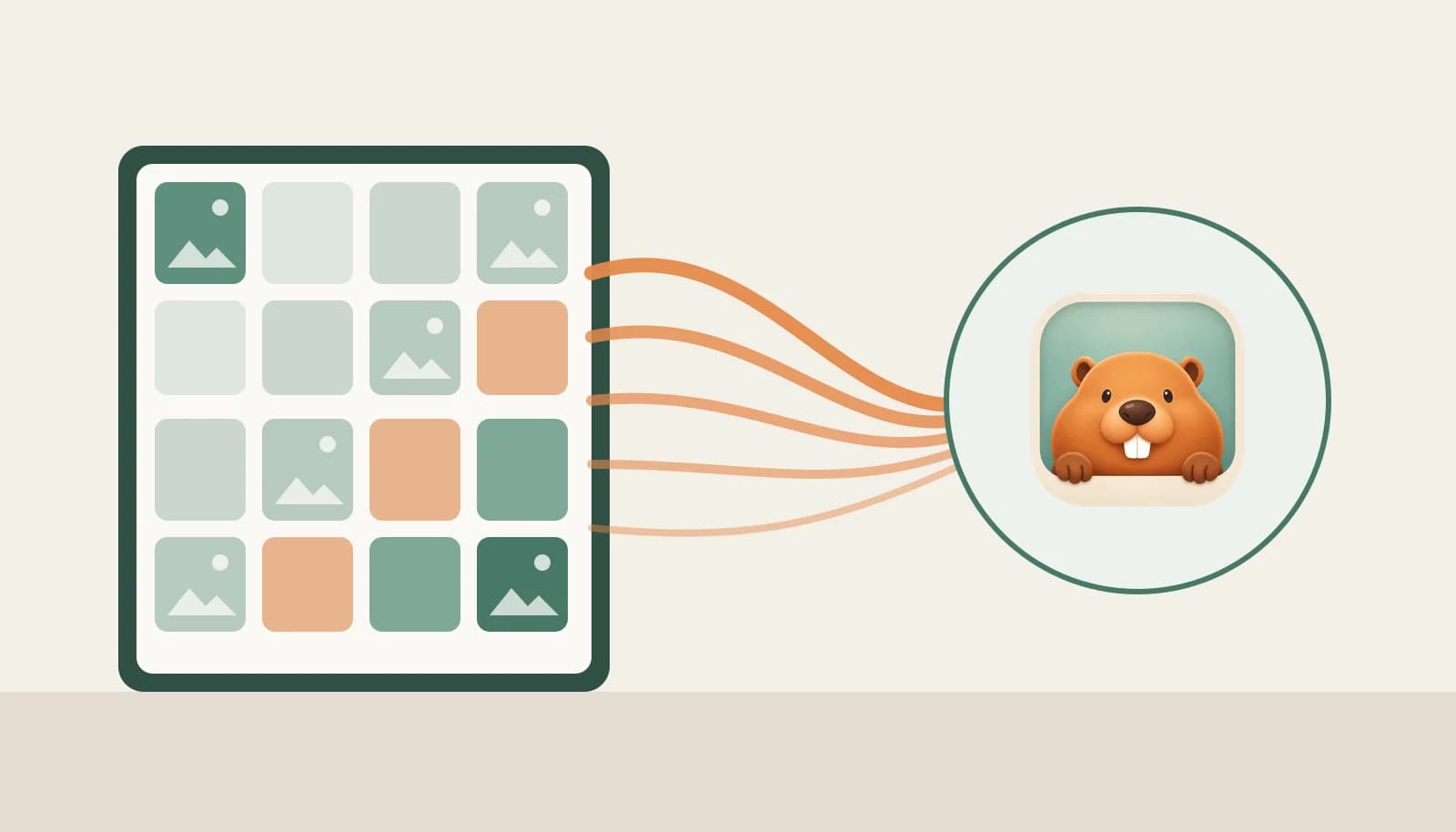
- They do not compete: Beav can read the library currently open in Eagle, reference its images in a chat, and save generated images back to Eagle.
People often ask us: I already use Eagle, do I still need Beav? Or the other way around: can Beav replace Eagle?
The short answer: if you mainly collect design inspiration, Eagle is enough. If you need to turn what you collect into Xiaohongshu (RedNote) posts, video scripts and covers, Beav covers the stretch from source material to finished content. Many creators use both, so this post covers the differences and how to connect them.
At a glance
| Eagle | Beav | |
|---|---|---|
| What it is | Local image and design asset manager | Local-first AI workspace for creator content and assets |
| Built for | Designers, illustrators, visual teams | Content creators, social media managers, small content teams |
| What it captures | Web images, screenshots and local files | Xiaohongshu (RedNote) captions, images, videos and comments; Douyin, YouTube and WeChat articles; any web page, image or selected text |
| How it organizes | Folders, tags, colors, ratings, notes | Knowledge base, media library and topics, with source links and comment snapshots kept |
| What AI does | Describe-to-find and find-similar through the AI Search plugin | Topic planning, AI drafting and rewriting, cover and image generation, video and audio creation |
| Output | A well-organized inspiration library | Publish-ready posts, scripts, covers and videos |
| Where data lives | A local library folder | On your own computer by default |
| Platforms | Windows, macOS | macOS, Windows, Linux; Chrome / Edge extension |
| Price | One-time license; see Eagle's website for current pricing | Free personal plan; Personal Lifetime CNY 238 one-time; Team from CNY 499; official AI billed in credits |
What Eagle is good at
Eagle is a long-standing tool for visual asset management. Save a good image from the web in one click, organize it with folders, tags, colors and ratings, then filter by color, shape or format when you need it. With the AI Search plugin installed, you can also describe an image to find it, or look for similar ones.
The question it answers is "where is that image I saved", and it answers it well. For collecting inspiration, building mood boards or managing brand assets, Eagle is a natural fit.
What Beav is good at
Beav answers a different question: "how does this material become my next piece of content".
So the unit Beav captures is not an image but a whole piece of content. A Xiaohongshu post goes in with its caption, original images, video, comment snapshot and source link; WeChat and web articles keep their body text and source. Once that material is in the knowledge base, you can pull it straight into topic planning, AI drafting and cover generation, and the images, videos and audio you produce flow back into the media library. Workspace data stays on your own computer by default.
The comments matter a lot for creators. The questions readers keep asking are often your next topic, and screenshots or image bookmarks rarely keep that context.
How to choose
- You organize design inspiration, brand images or UI screenshots: use Eagle.
- You publish on Xiaohongshu, Douyin or WeChat and need to break down top posts, write captions and make covers: use Beav.
- You do both and already have years of material in Eagle: use both, and let Beav read your Eagle library directly instead of migrating it.
Using both: connect an Eagle library in Beav
Beav connects to the library currently open in Eagle. It needs Eagle 4.0 Build 21 or later, running on the same computer as Beav.
- Open Eagle and switch to the library you want to use.
- In Beav, open Knowledge Base, click the + beside Inspiration Library, and choose Import Eagle Library.
- Open the source marked with the Eagle icon, expand folders on the left and browse images on the right. Filter by keywords, tags, format, rating, image shape or source URL.
- Use Reference in Chat on an image, or type
#in the chat box and pick the Eagle source, to add the original image to your current draft. - For an image generated under This Session, click the Eagle icon to save it into a library and folder of your choice, with a name and tags.
Browsing is read only: connecting a library does not copy or modify its Eagle items. The full guide is in the docs: Import and use an Eagle library.
FAQ
Can Beav fully replace Eagle? We would not frame it that way. Beav's library serves content creation, while Eagle goes deeper on pure visual asset management. If you already have an Eagle library, connecting it is the cheapest path.
Does connecting Eagle upload my assets? No. Connecting is read-only browsing, referencing an image does not send a message, and the library is not indexed for image understanding. An image becomes input to an AI task only when you reference it in a chat and send the request.
Is Beav free? Yes, the free personal plan is ready to download and use. See the pricing page when you need more space, more devices or third-party AI providers.
To try the combination, download the Beav desktop app, open Eagle, and connect your library with the five steps above.